Internet & Email
- Internet: it is a network of computers from all over the world connected together by telephone lines, fibre optic cables and satellite.
- To connect on the Internet, a person needs these 4 things:
- A Computer System
- A Telephone Line
- A Modem
- Internet Service Provider
- ISP: means for Internet Service Provider. It's a company with whom anyone wanting to connect to the Internet the person needs to subscribe.
- WWW: stands for World Wide Web. It's the most popular part of the Internet. It contains a lot of pages of information.
- HTTP: stands for Hyper Text Transfer Protocol. It's a set of rules which identify how files on the www are transferred.


Input and Output Devices
- Keyboard: this has keys that allow a user to enter data into a computer. It's application is Word Processing.
- Mouse: to move, it uses devices that emit and sense light to detect the movement. It's application is Menu Selection.
- MICR: it stands for magnetic ink character recognition. This can read texts printed with magnetized ink. It's application is Bank.
- OMR: Optical Mark Recognition can sense hand-drawn marks such as small shapes. It's application is correction of multiple-choice questions.
- Impact Printers: these are printers that make noise. Example dot-matrix printer.
- Non-Impact Printers: these are printers that don't make a lot of noise. Example Ink-jet Printer.
- Dot-Matrix Printer: this is a printer that produces images with a print head striking mechanism.
- Ink-Jet Printer: this forms letters by spraying tiny drops of liquid inkon a piece of paper.
- Vector: it is when the image is made up of lines.
- Raster: it is when the image is made up of dots.
 dot-matrix printer
keyboard


mouse
Wordproccessing
- Mail Merge: it is used to create letters by combining together a form letter and a list of data that may include names & addresses.
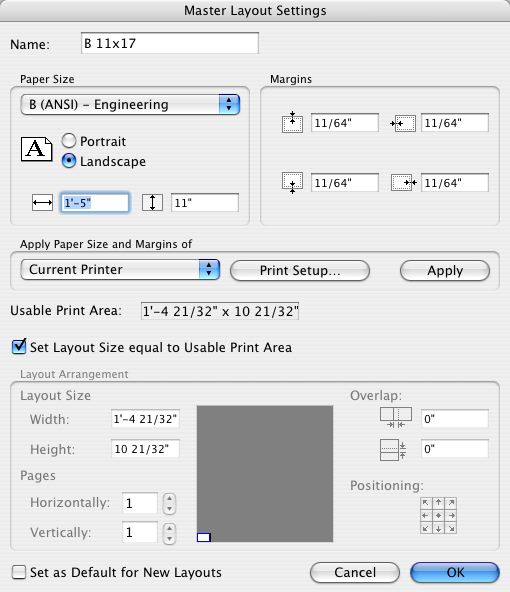
- Layout Settings: the document contains of margins, tabs, font changes and the set and reset of italics and boldface.
- Table of Contents: it's a list of the headings in a document and together with their page number.
- Index: it lists the topics in a document along with the pages.
- Columns: it's a format that is usually used by newspapers.
- Spelling Checker: this document gives you suggestions of grammar mistake